NotebookLab is a desktop app that lets you import PDFs, notes, and research papers, then chat with an AI that has actually read them. Every answer lists its sources with document, heading, and page. Runs entirely on your computer: no account, no key, nothing uploaded. Cloud models are there if you bring your own key, never required.
Bring in anything, then read, question, and think with it. All on your machine.
PDF, Word, text, and Markdown, plus images and scans read with offline OCR.
Chat grounded in your documents. Every answer lists its document, heading, and page.
Study guide, flashcards, quiz, mind map, timeline, slide deck, data table, and reports.
One open space to draw, drop in images, add shapes and text, and arrange it all.
Your notebook read aloud, told your way: a discussion, a brief, an interview, a lecture, questions, a debate, or a critique.
An Idea Space that maps the claims, tensions, and open questions across your sources in 3D, and Socratic questions that push your thinking deeper.
A clean Markdown editor with [[wiki-links]], backlinks, and a 3D connections map you can fly through.
Export a notebook as one self-contained file and import it anywhere, offline.
Eight bundled offline models sized to your hardware, one-click Ollama installs, or Claude, GPT, Gemini, and DeepSeek with your own key. Auto mode picks the best fit per task, with live token and context readouts.
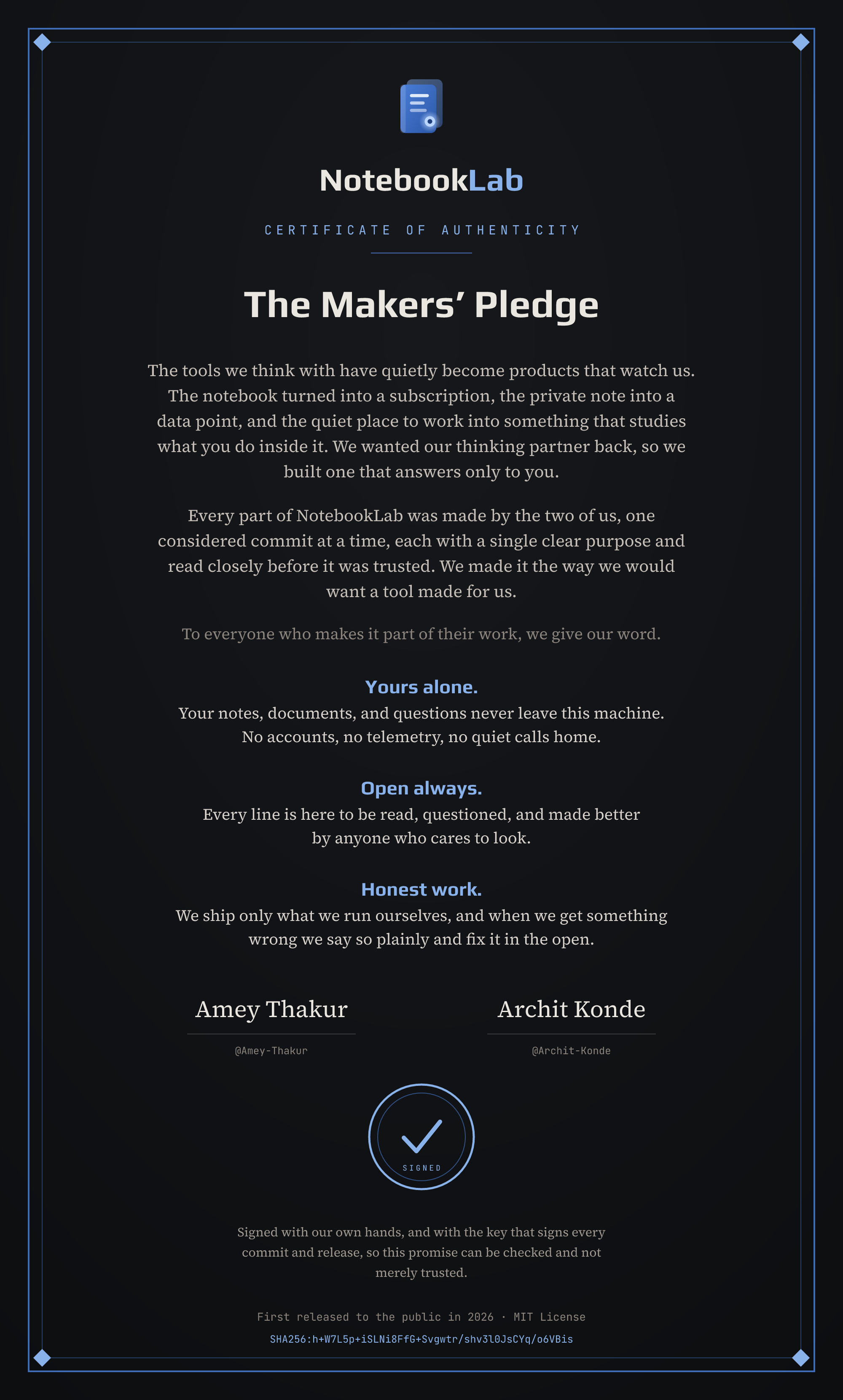
NotebookLab
Certificate of Authenticity
The tools we think with have quietly become products that watch us. The notebook turned into a subscription, the private note into a data point, and the quiet place to work into something that studies what you do inside it. We wanted our thinking partner back, so we built one that answers only to you.
Every part of NotebookLab was made by the two of us, one considered commit at a time, each with a single clear purpose and read closely before it was trusted. We made it the way we would want a tool made for us.
To everyone who makes it part of their work, we give our word.
Signed with our own hands, and with the key that signs every commit and release, so this promise can be checked and not merely trusted.
SHA256:h+W7L5p+iSLNi8FfG+Svgwtr/shv3l0JsCYq/o6VBis
Download the certificateFree, open source, runs offline.
Verify downloads with the SHA256SUMS file on the release page.